
Overall thoughts
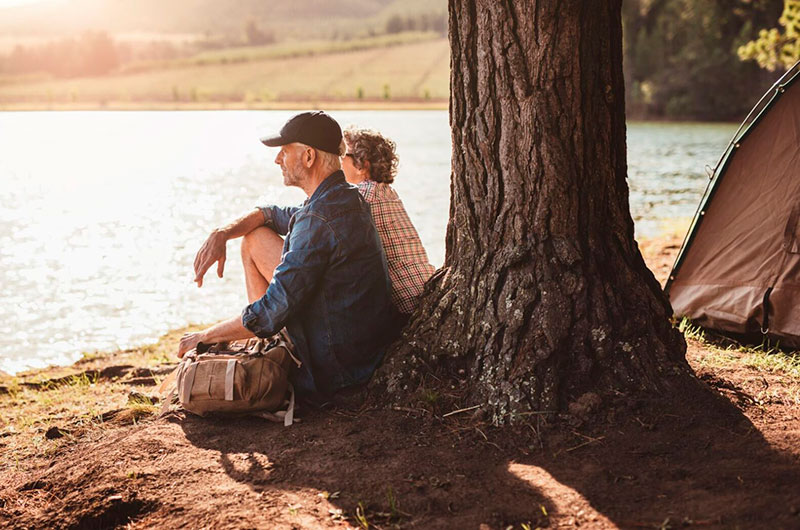
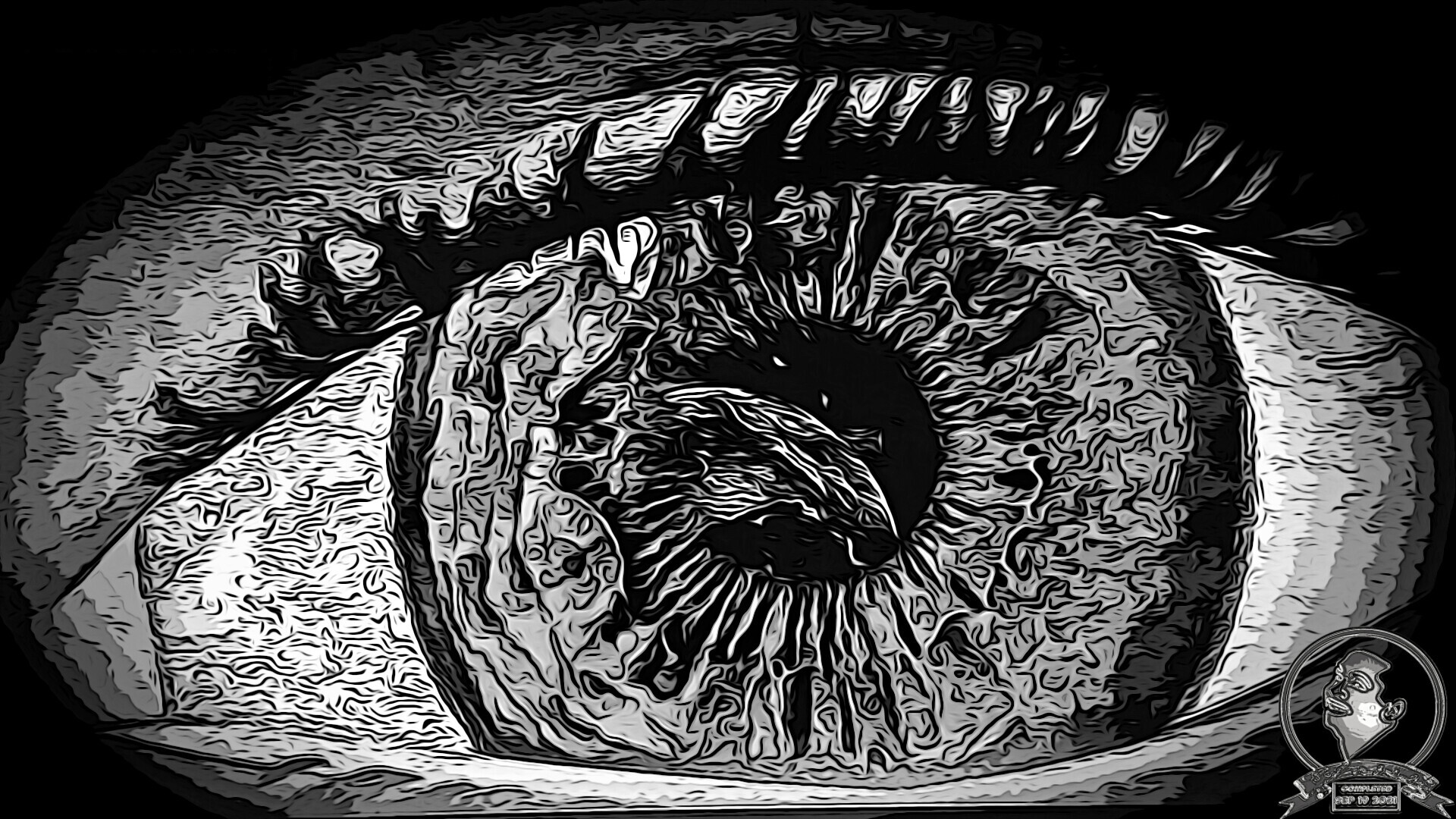
Developing my first thumbnail for YouTube was a lot more complicated than expected. I was attempting to capture the essence of the video in one shot, and luckily, I found one. After modifying the screenshot several times, I found two but couldn’t decide between the coloured version or the black and white version. To decide on the final version, I asked myself if the video had a dark theme or a light, hopeful one. I chose the colour version since it was a colourful and inspiring video.
BACKSTAGE LENS PODCAST episode
Listen to the Backstage Lens episode for a behind-the-scenes look at the project’s creation, from the initial concept and creative process to the challenges, discoveries, and lessons learned.
Project tools
Explore the software used to bring this project to life, with estimated percentages highlighting each tool’s contribution to the overall production process.

Unreal Engine - 40% Usage
Scene Development & Screenshot

Hitfilm - 30% Usage
Image composition & Photo VFX

Photoshop - 15% Usage
Photo VFX & Iterations

Affinity Photo - 10% Usage
Image Optimization

After Effect - 5% Usage
Photo VFX & Iterations
Skills Applied
A combination of creative and technical disciplines brought together to develop the final artwork.
CREATIVE DISCIPLINES
Graphic Design
Thumbnail Design
Visual Communication
Digital Imaging
Photo Editing
Visual Storytelling
Art Direction
PRODUCTION SKILLS
Frame Selection
Image Curation
Composition
Cropping & Reframing
Photo Manipulation
Color Correction
Color Grading
Contrast & Tonal Adjustment
Visual Hierarchy
Focal-Point Development
Mood Development
Design Iteration
Thumbnail Optimization
Digital Asset Preparation
Production Difficulty
Each production stage is rated on a scale of 1 to 10. Higher scores indicate greater difficulty encountered during development.
2.5/ 10
OVERALL DIFFICULTY
01 – Main Video Idea
3/10
02 – Scene Selection
1/10
03 – Visual Treatment
3/10
04 – Image Composition
2/10
05 – Lighting & Color Grading
3/10
06 – Final Enhancement
3/10
References
A collection of visual references that helped shape the artwork’s creative direction, composition, atmosphere, and overall aesthetic, serving as inspiration throughout the development process.

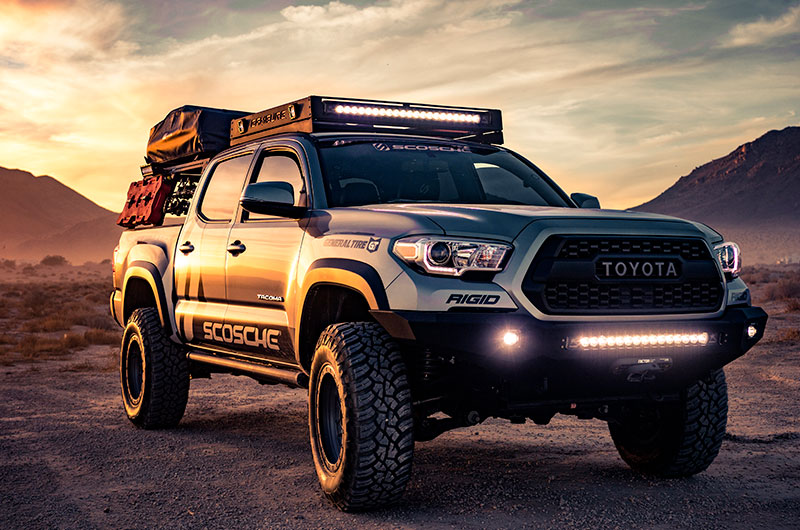
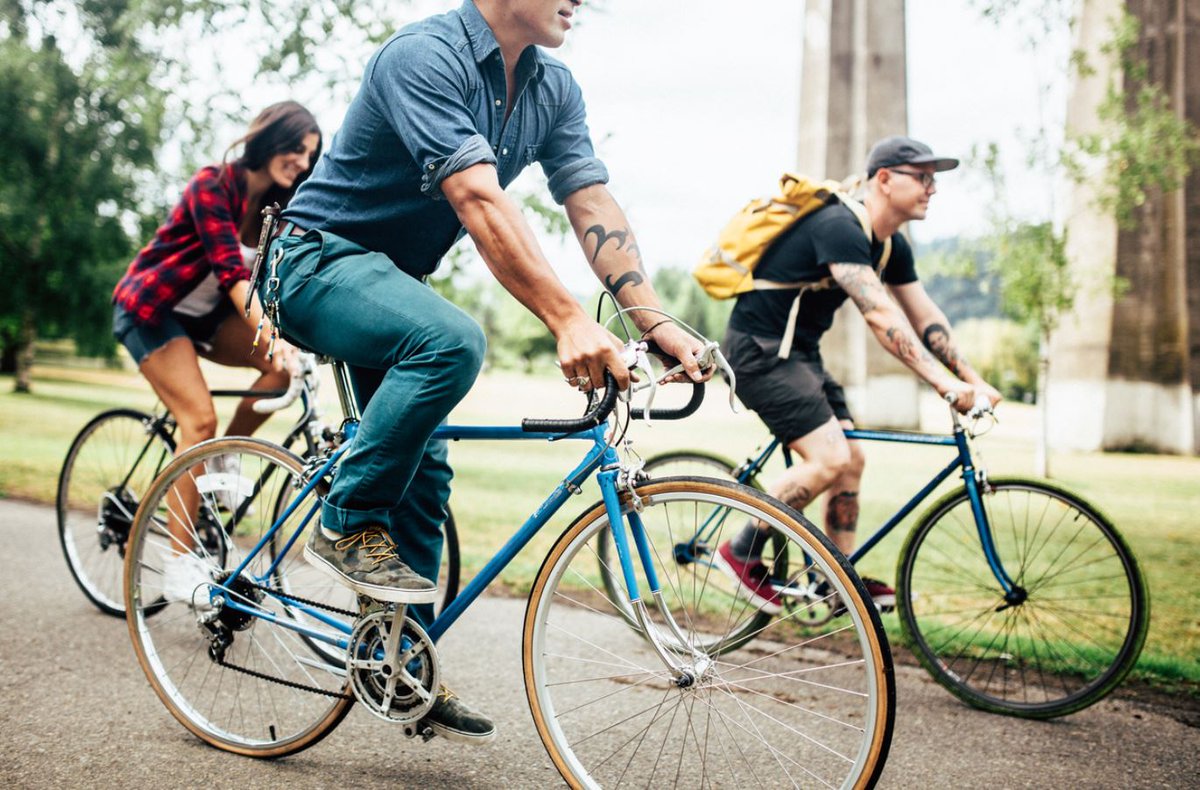
Drafts & concepts
Early tests, visual explorations, and ideas that helped establish the final direction. Only the most meaningful iterations are shown.

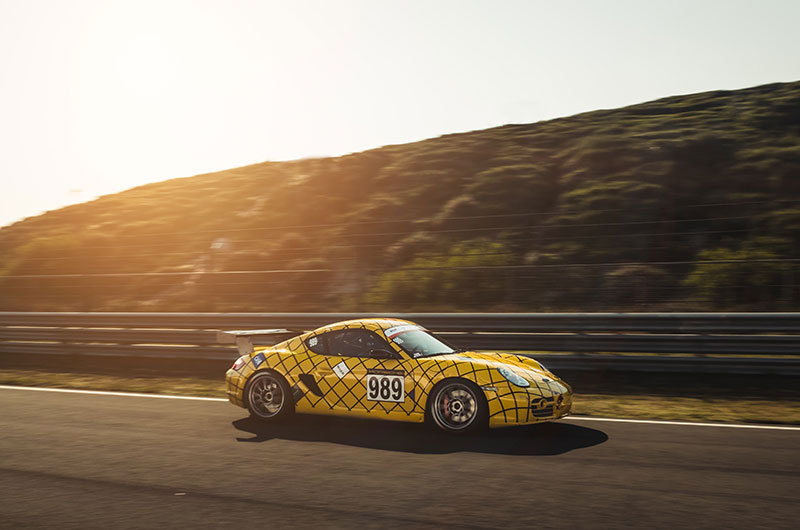
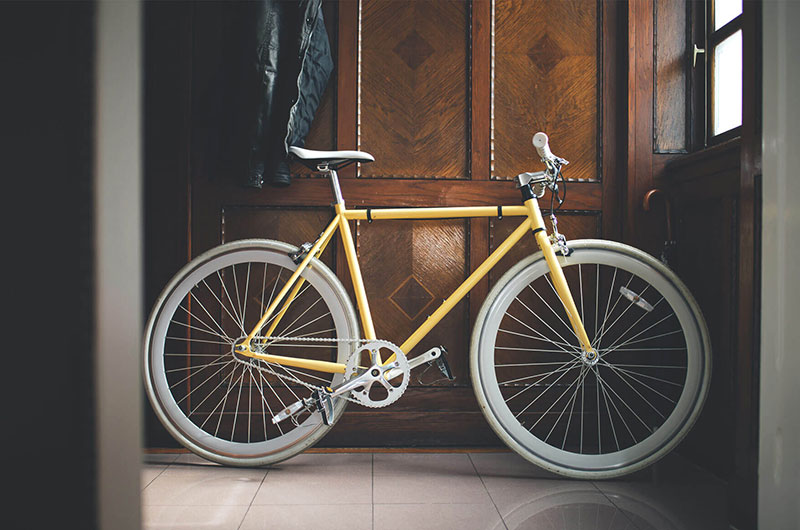
Selected Frames
A curated selection of frames highlighting the finished artwork’s composition, visual details, atmosphere, and key creative elements, offering a closer look at the final result.


Key takeaways & Lessons Learned
A reflection on the creative discoveries, challenges, and lessons learned throughout the project, highlighting the experiences that shaped the final artwork and contributed to personal and technical growth.
01 — Creative Discovery
- Use Unreal Engine’s native screenshot feature to capture high-quality images directly from a scene.
- Use Affinity Photo to resize and optimize images to meet YouTube thumbnail requirements.
- Use HitFilm to composite and combine image elements into a finished thumbnail.
02 — Acquired Skills
- Use Photoshop Actions to automate repeatable image-editing steps.
- Use Photoshop Gallery Effects to experiment with stylized image treatments.
- Use Affinity Photo to reduce image file size while maintaining visual quality.
- Use the Vignette effect to direct attention toward important areas of the thumbnail.
- Use the Oil Paint effect to enhance the image with a more stylized and artistic appearance.
03 — Challenges & Limitations
- Capturing the main idea of the video within a single thumbnail image.
- Reducing the dimensions and file size of the finished image while maintaining sufficient visual quality for YouTube.
04 — Lessons Learned
- Optimize image dimensions and file size while preserving as much visual quality as possible.
Project Overview
- Status : Complete
- Format : Artwork (Illustration)
- Platform(s) : ArtStation
- Difficulty : Beginner
- Software/Application used : 5
- Collaborator(s) : Solo project
- AI Assisted : No
- Start Date : 2021-08-17
- Complete Date : 2021-09-21
- Project Cost : $0